
Glimmer Pond
A koi pond beneath your desktop icons. Watch, feed, or paint a fish of your own.
macOS 14+Mac中文 / English

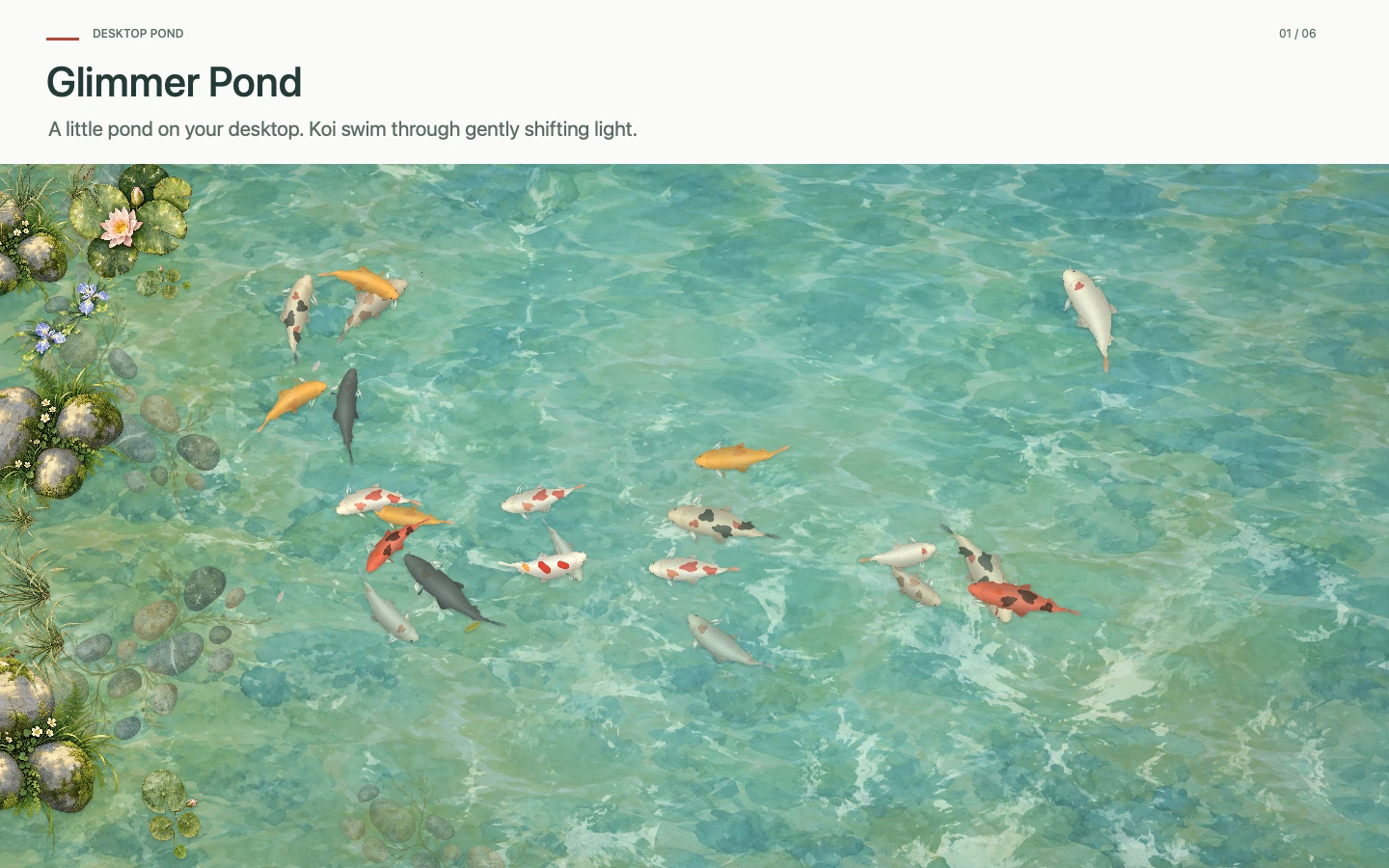
Koi glide through lily pads and shifting light as a breeze crosses the water. Give your Mac a watercolor pond, and take a quiet moment to watch the fish.
Available on the Mac App Store · Version 1.1 preview
Explore PickHue, AuraVideo, Still Stone, and Glimmer Pond in App Dock.
A koi pond beneath your desktop icons. Watch, feed, or paint a fish of your own.
No account required. Fish and settings stay on your Mac. Control the pond from the menu bar and export or restore backups yourself.
From swimming koi to dew resting on a lily pad.
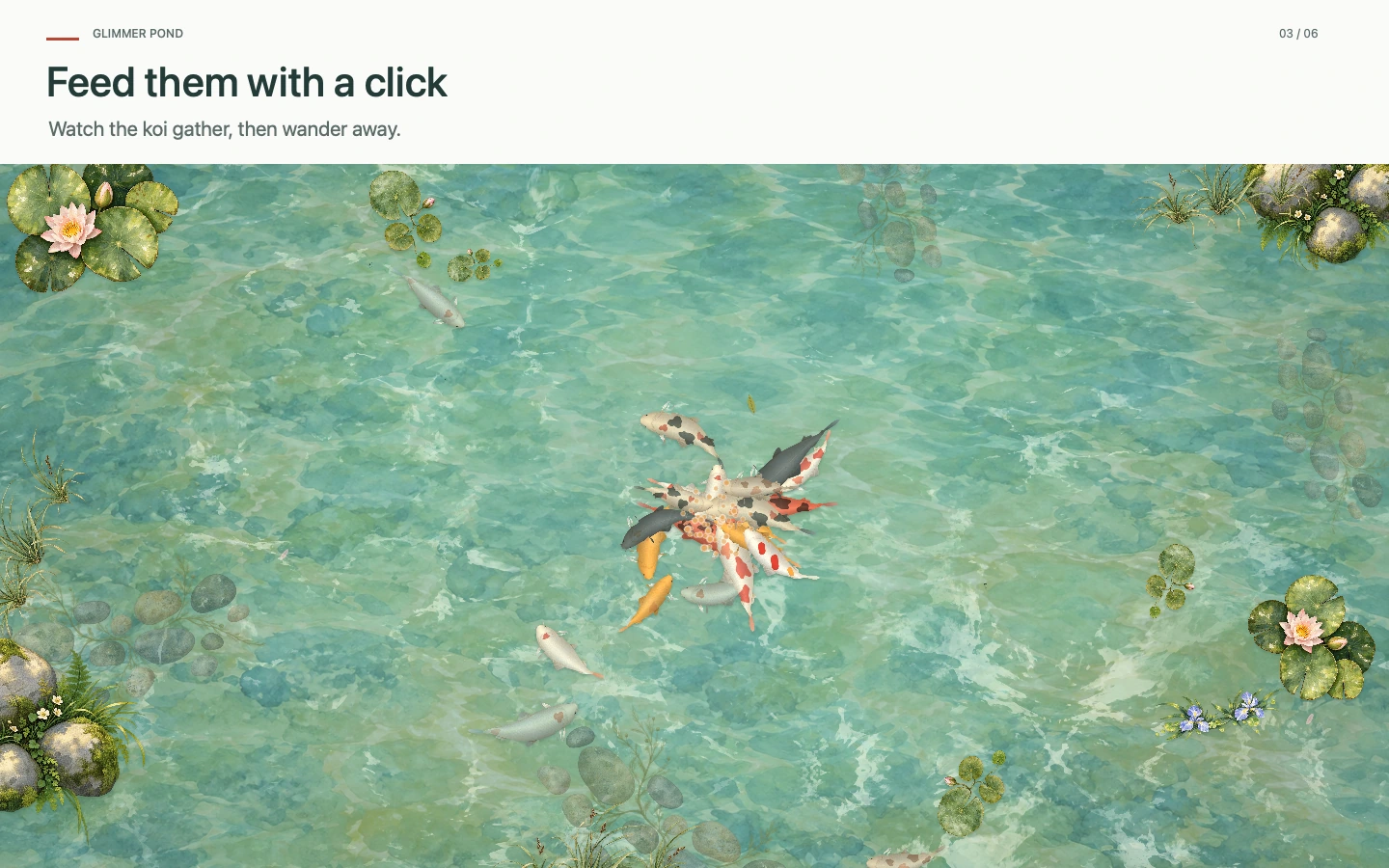
Click an empty area of your desktop or feed from the menu bar. Fish gather, eat, and gradually disperse. They swim together, chase, pause, and move away from the pointer.
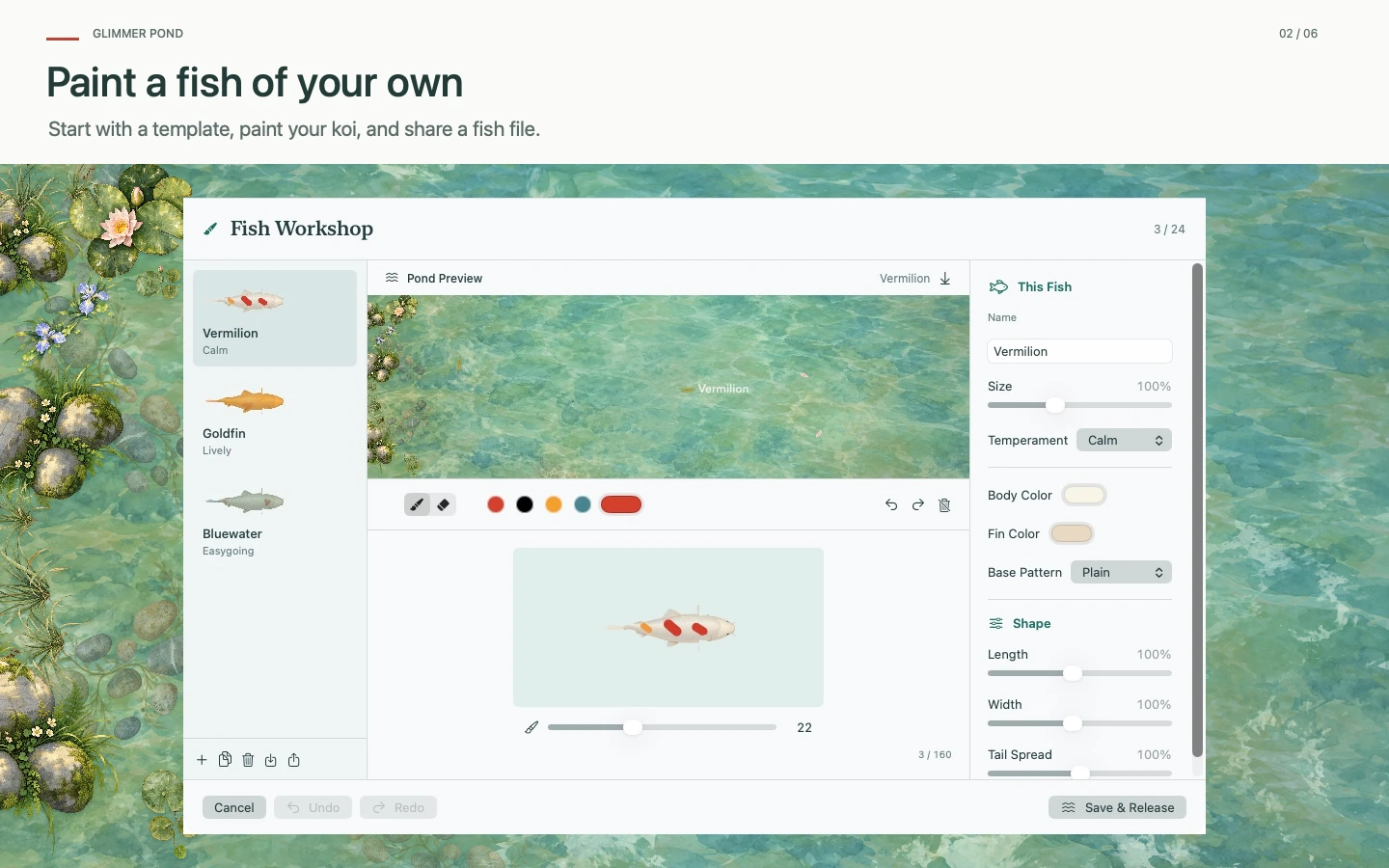
Start with six templates, choose a base pattern, and paint your koi. Export an individual fish file to share it, or preview an imported fish before adding it. Existing fish are kept.
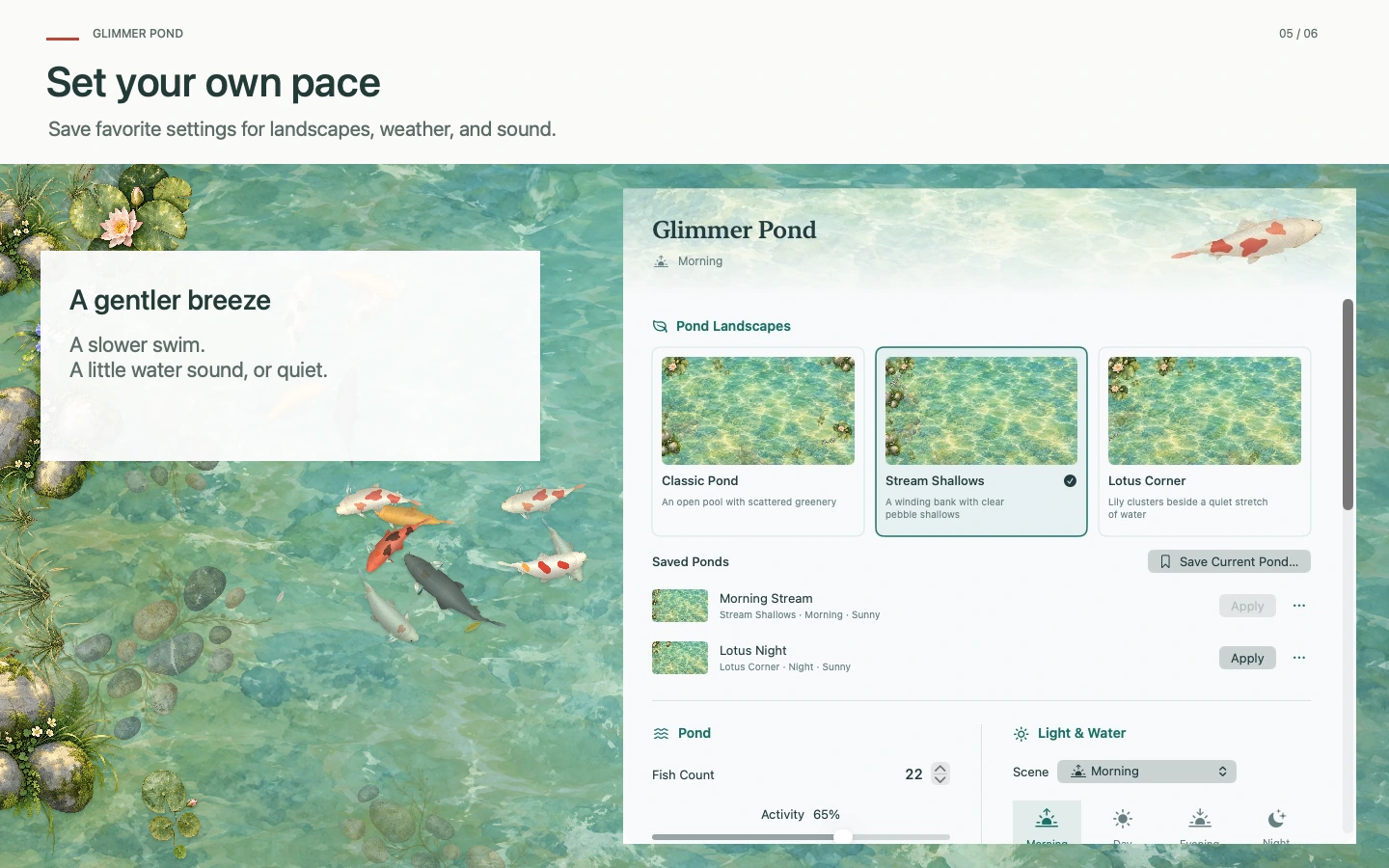
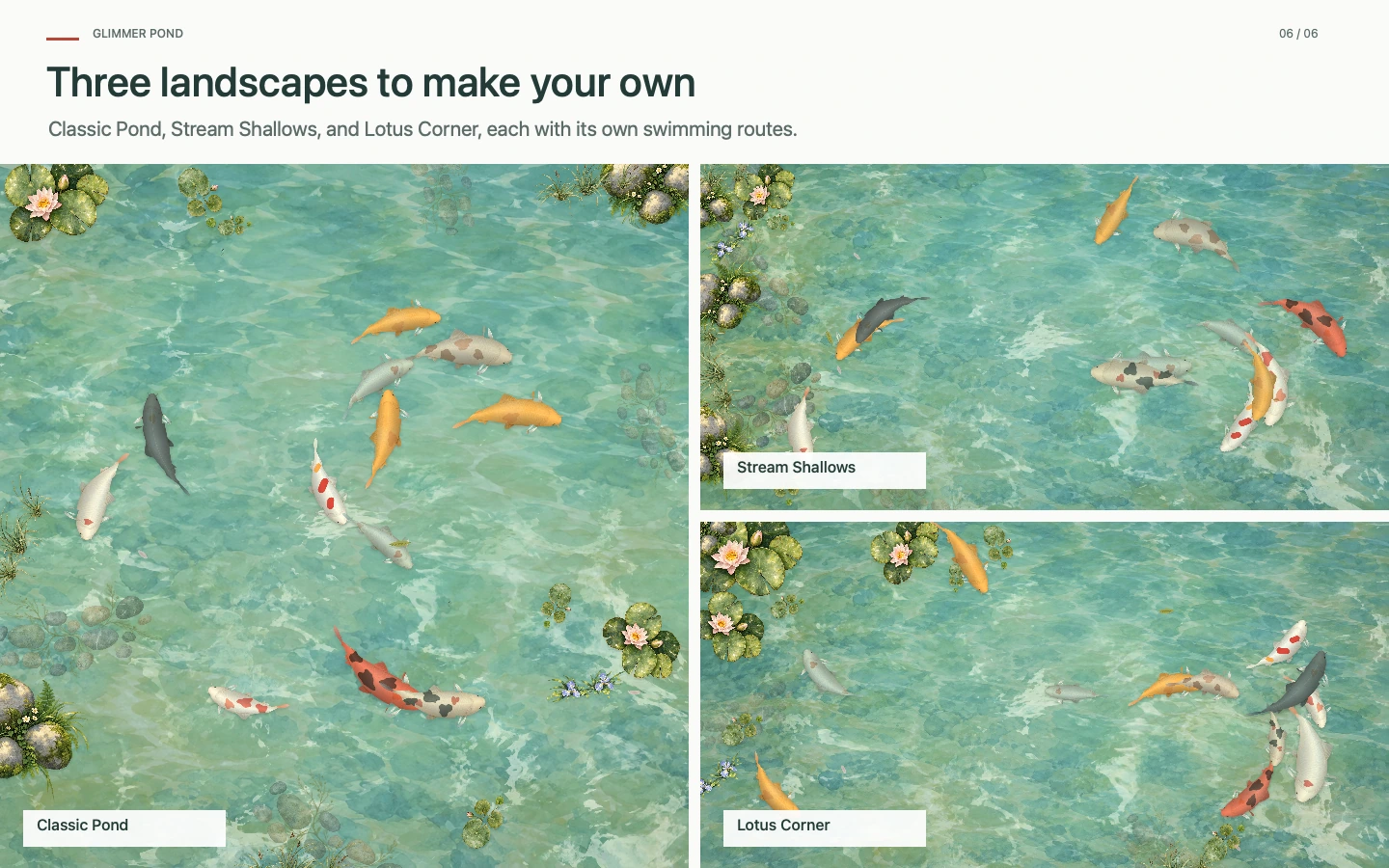
Choose Classic Pond, Stream Shallows, or Lotus Corner. Save landscape, lighting, weather, fish and sound settings, then apply them from the fish menu. Your custom fish and workshop drafts stay with you.
Scenes are generated on your Mac without location access or live weather data.
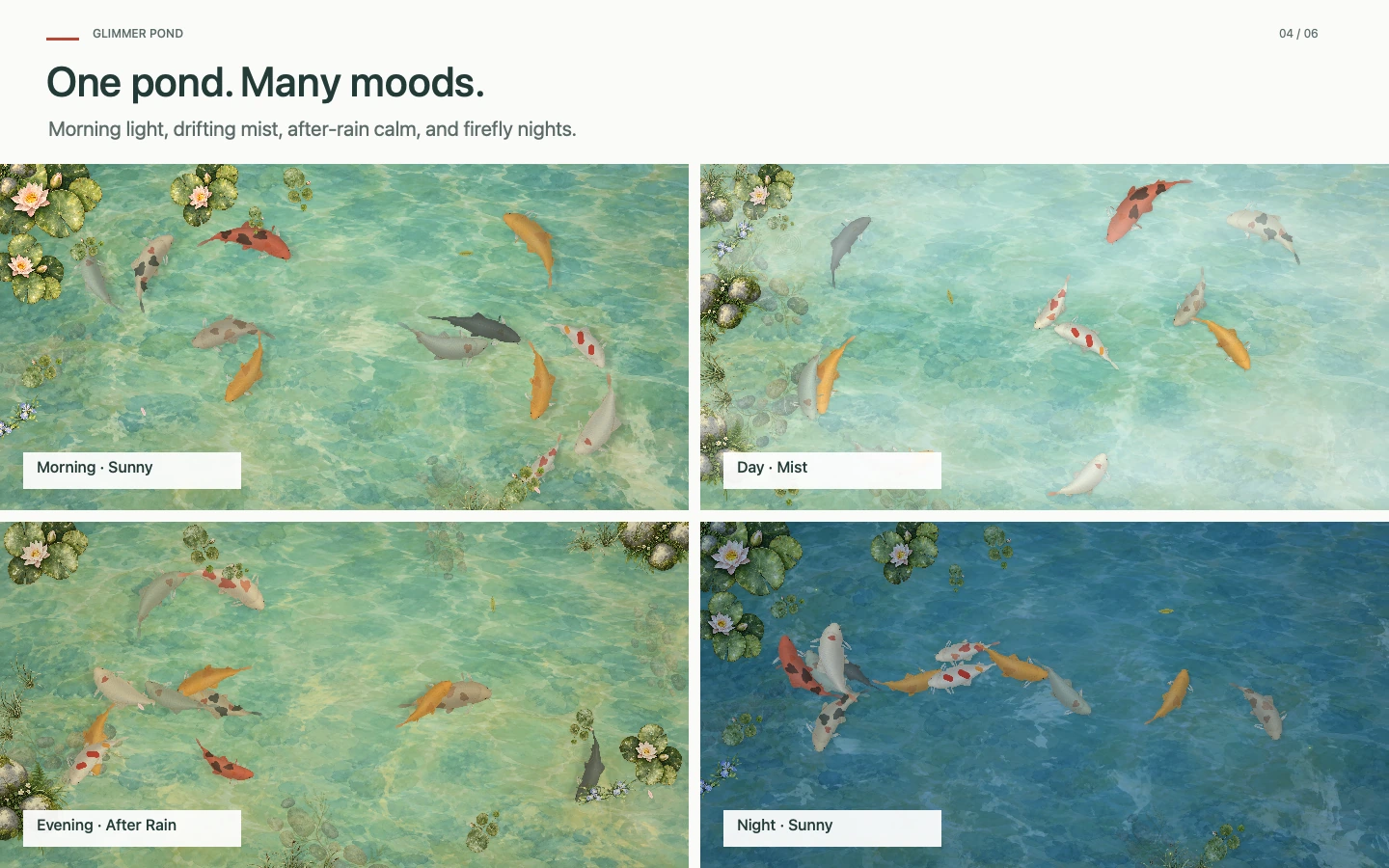
Morning dew rests on lily pads and moves with the breeze. Fireflies appear at night as softer light settles over the water.
Choose clear, cloudy, mist, light rain, after rain, or snow. Pick a scene yourself or let the weather follow its natural cycle.
Passing breezes move grasses, lily pads and floating leaves in turn. Nearby fish slow down to observe a leaf or hovering dragonfly, then swim away. Each landscape has its own routes and changing depths.
The pond, workshop, and saved settings shown here come from the version 1.1 preview.
Download from the Mac App Store. Check the store page for the currently available version.
macOS 14 or later, with multiple display support. No account required; works offline.
About the desktop pond, languages, and local data.
Click the fish icon in the menu bar and choose Settings. The pond appears beneath desktop icons. When windows cover it, use Preview Pond to take a look.
No. Fish, feeding, and weather run locally. Automatic time of day follows your system clock; weather is an artistic local scene.
The app follows the preferred language macOS supplies for it. Simplified Chinese uses Chinese; every other language uses English. Quit and reopen after changing the language.
Yes. Export Fish Backup in Settings, or restore a JSON file you choose. Custom fish and workshop drafts stay on your Mac.