 桂公网安备45088102000311号
Quick tools
Trim. Change speed.
Find the right frame.
Import a local video and handle trimming, muting, speed changes, compression or conversion as individual tasks.
Get AuraVideoVideo import and quick tools
 App Dock
Independent apps / New perspectives
Give your ideas a timeline.
01Video creation
AuraVideo
Import everyday moments, trim, change speed and add layers, then export a story worth keeping. Quick tools and a complete editor live on your iPhone.
Keep exploring02In use
Scroll to explore
Quick tools
Import a local video and handle trimming, muting, speed changes, compression or conversion as individual tasks.
Get AuraVideoVideo import and quick tools
Quick tools
Import a local video and handle trimming, muting, speed changes, compression or conversion as individual tasks.
Get AuraVideoVideo import and quick tools
Layered creation
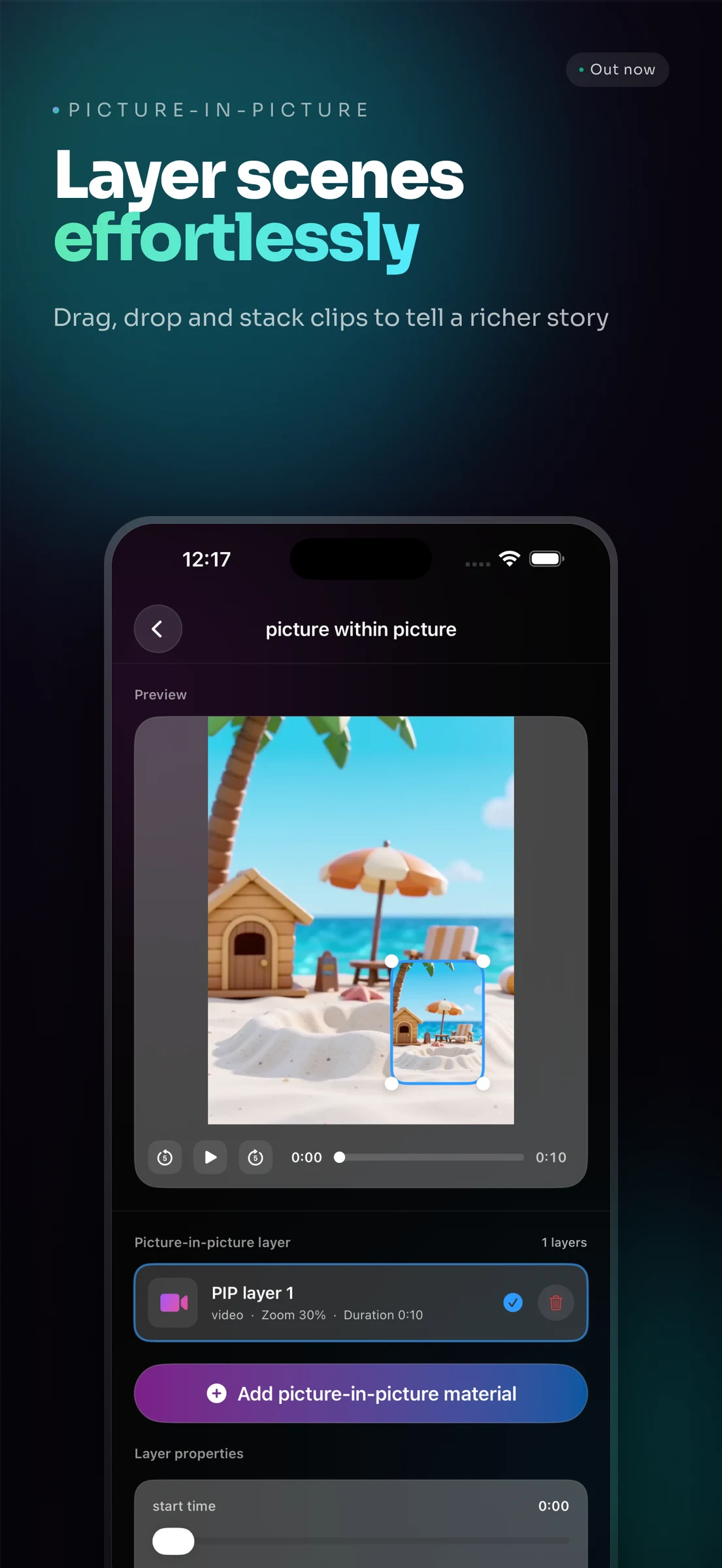
Add text, stickers and picture-in-picture layers. Preview your changes and adjust their positions and sizes as the edit takes shape.
Get AuraVideoPicture in picture and layer editing
Precise trimming
Set the start and end of a clip on the visual timeline, preview the selection, and refine the part you want to keep.
Get AuraVideoVisual timeline and trimming
03The gallery
Real app interfaces and English store previews.
04Download
The current version requires iOS 17 or later and is designed primarily for iPhone.
To import the videos or images you choose and save your exported results to Photos.
Trimming, muting, speed changes, compression, conversion, aspect ratios, filters, stickers, text and picture in picture. Some features depend on the options and membership shown in the app.
The current version requires iOS 17 or later and focuses on everyday video creation on iPhone.
AuraVideo / Made for the everyday